
- Messages
Message Florida Mail & Print and the people on your account, as a group or one to one, with its own Dashboard widget. Send a message, photo or file, and get a notification when someone replies, plus an email when Florida Mail & Print does. The main account holder chooses who can join in.
- Icon size
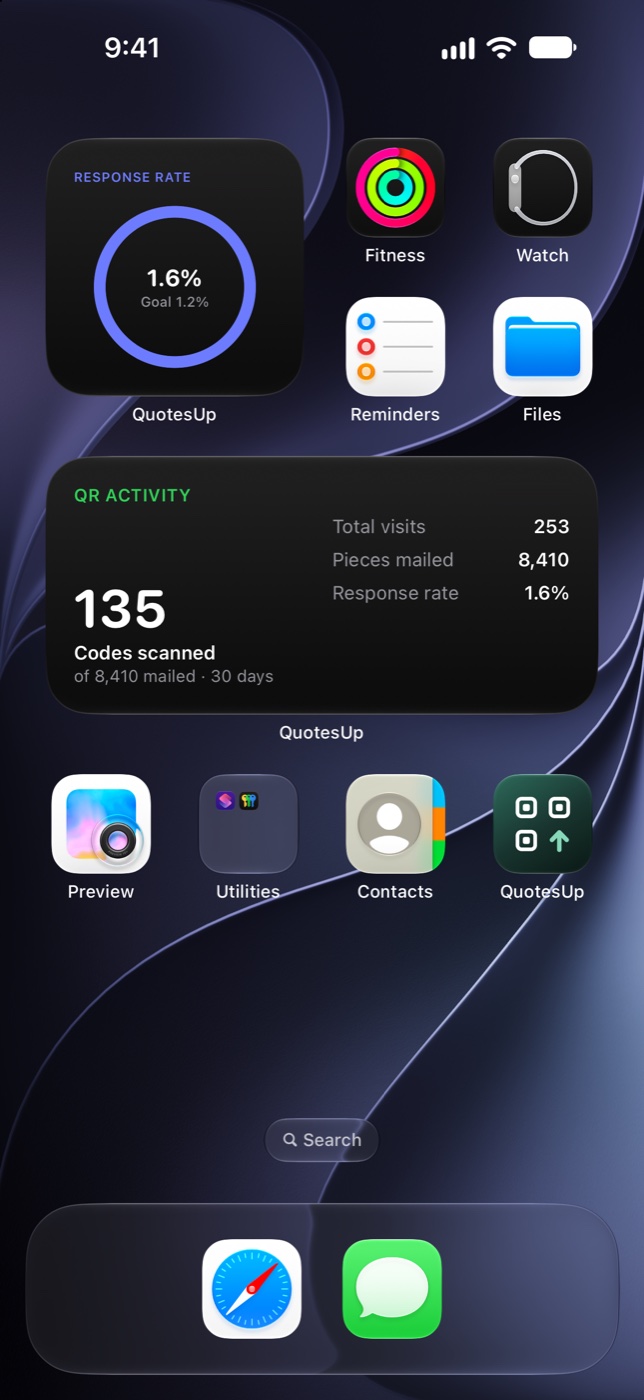
Widgets can now be just their icon, four to a small widget’s place.
- Folder colors
Folders can have their own color.
- Sign in faster
After signing in with your password, add Face ID in one tap.
QuotesUp Support
Help with the QuotesUp app by Florida Mail & Print, from signing in to answering your first visitor.
Nothing matched. Try another word, or ask us.
What’s New
New in QuotesUp.
The app shows these too, as tips, the first time you open it after an update.
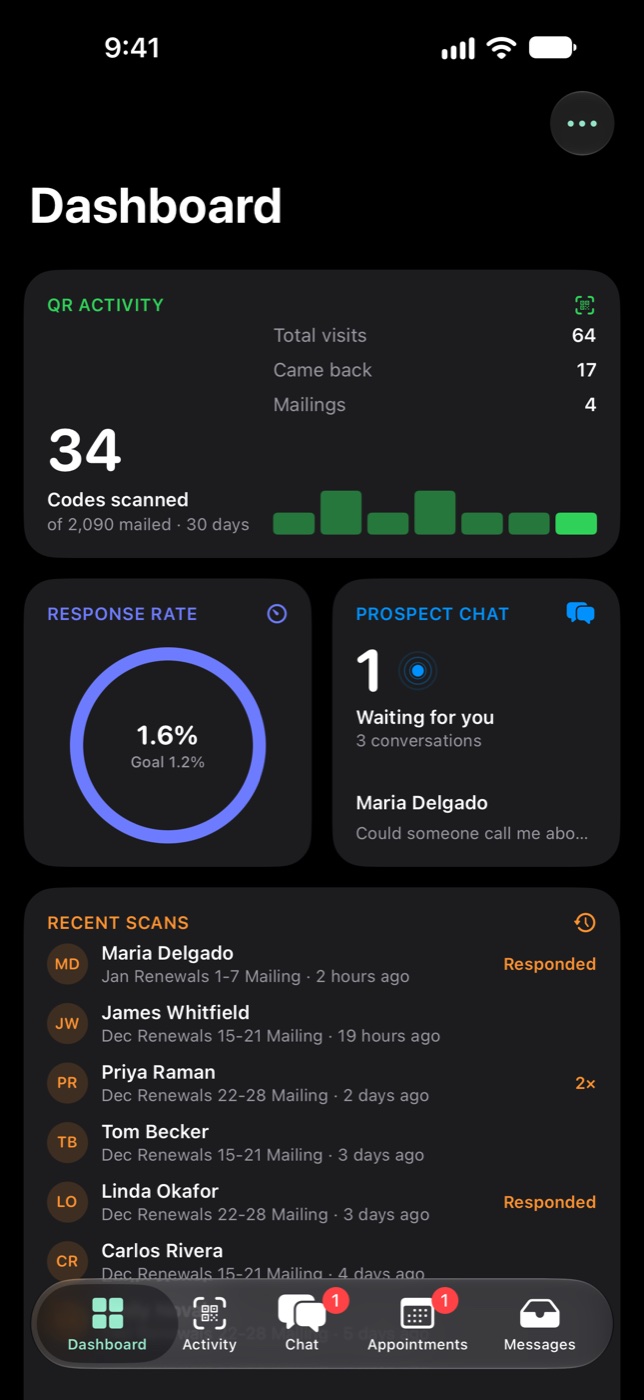
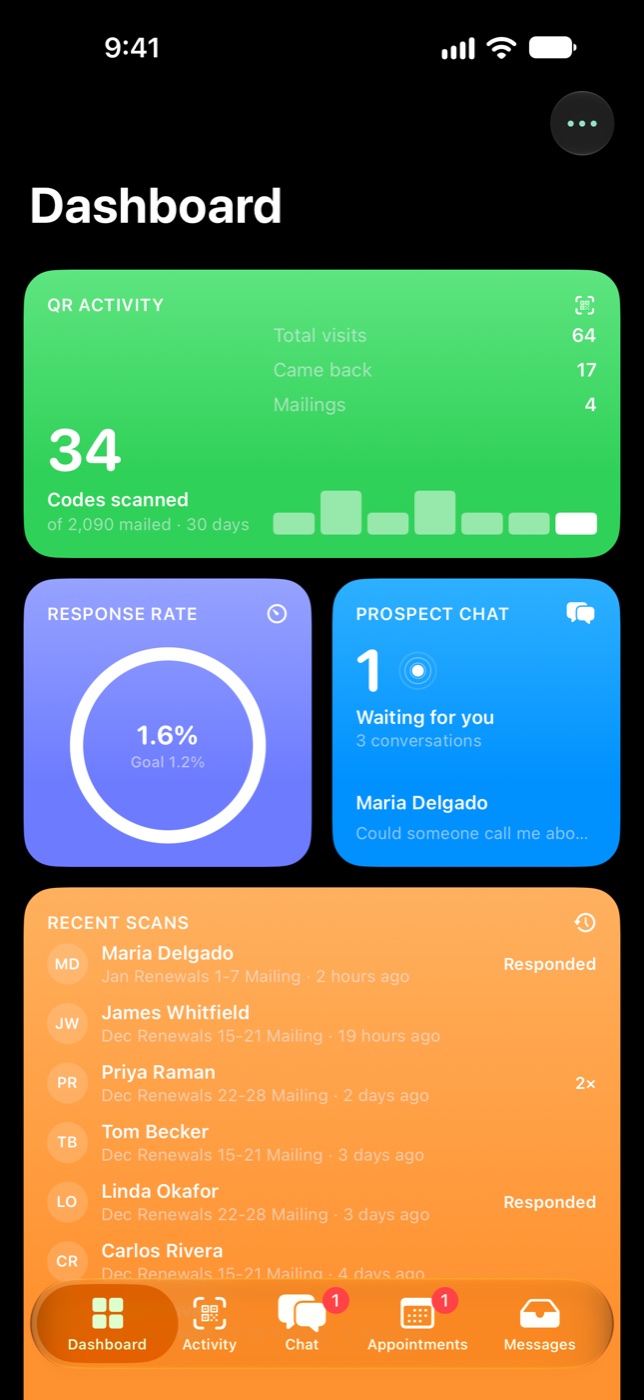
Welcome to QuotesUp. See who scanned your mailings, chat with visitors, confirm appointments and follow every mailing, all from your Dashboard.
See everything QuotesUp doesTutorials
Learn it in a minute.
How do I…
Answers by topic.
Account and sign-in
How do I get a QuotesUp account?
Florida Mail & Print sets up QuotesUp for its customers, so there is no sign-up in the app. Ask your contact at Florida Mail & Print, or get in touch. Not a customer yet? Tap “Explore with sample data” on the sign-in screen to try every screen with invented data.
How do I sign in?
In the app, sign in with your email and password; afterwards you can add Face ID or Touch ID in one tap. You can also use a passkey or Sign in with Apple. On the web, sign in at quotes-up.com.
Do I have to sign in every time?
No. You stay signed in until you sign out. To sign back in, use Face ID or Touch ID, a passkey, or Sign in with Apple.
Can I choose which emails I get?
Yes. Each person on the account chooses whether we email them news and offers, in Preferences.
How do I delete my account?
Go to Preferences > Account > Delete Account. It switches the account off at once and sends the request to Florida Mail & Print. You can also email support@floridamailandprint.com.
Dashboard and widgets
How do I move, resize or remove widgets?
Open the ••• menu and choose Edit Widgets. Drag a widget to move it, drag its corner to resize it, or remove it.
How do folders work?
In Edit Widgets, carry a widget onto a folder to put it inside. A folder shows its widgets big when there are only a few; tap it to open. Folders can have their own color.
What is Icon size?
A widget can be just its icon, four to a small widget’s place. Touch and hold a widget and choose Icon, or drag its corner in while editing.
Can I see the Dashboard as a list?
Yes. In the ••• menu, choose List View to see the same items as a list, with each folder’s items under its name. Choose Widget View to go back.
How do I change the pages at the bottom?
Preferences > Tray chooses the pages in the tray at the bottom, and can add any widget’s page, such as Mailings.
Can I use QuotesUp on iPad, Mac and Apple Watch?
Yes. Your Dashboard’s layout, colors and tray follow you through iCloud to your iPad and Mac, and Apple Watch shows your figures, waiting visitors and next appointments.
Can I ask Siri?
Say “How many scans in QuotesUp?” or “Who is waiting in QuotesUp?” The same actions are in the Shortcuts app, and you can find people and mailings in Spotlight.
Scans and visitors
What does QR Code Activity show?
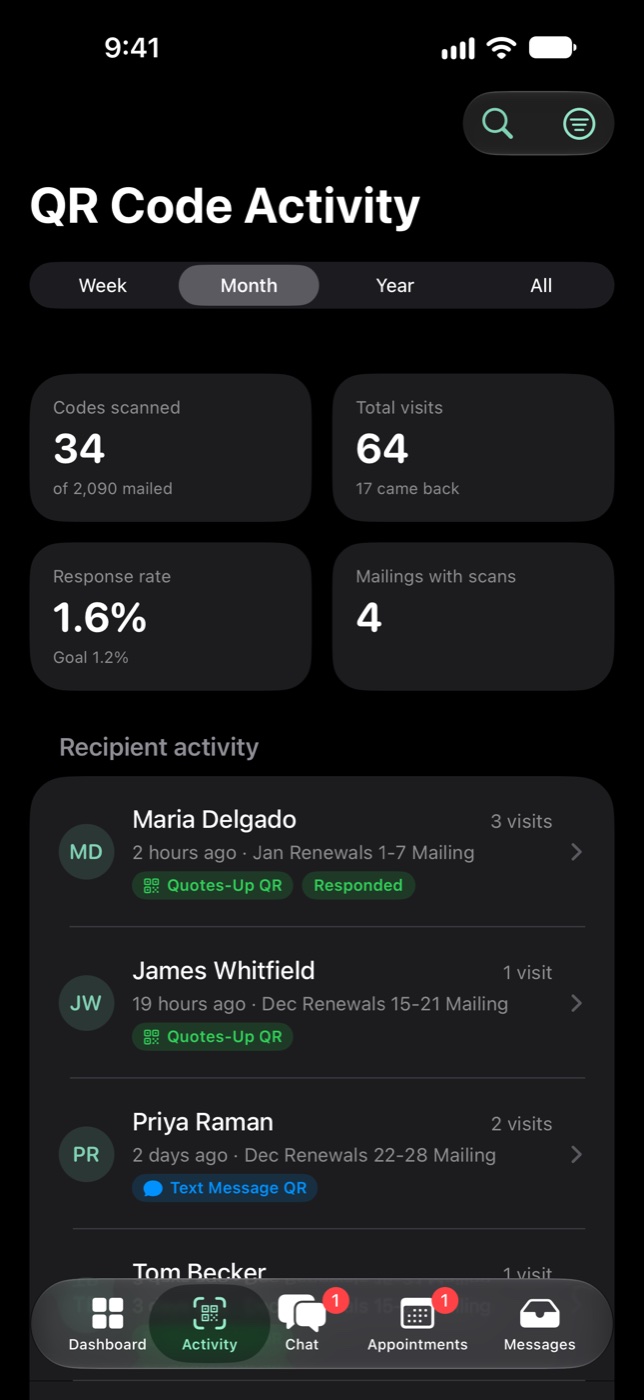
Every mailing we send for you carries a QR code. Each scan shows who it was, the time, the mailing that reached them and the QR code they used, as a list or on a map.
How do I see scans on a map?
In QR Code Activity, tap the map button to see each home that scanned, with the mailing that reached it.
How do I contact someone who scanned?
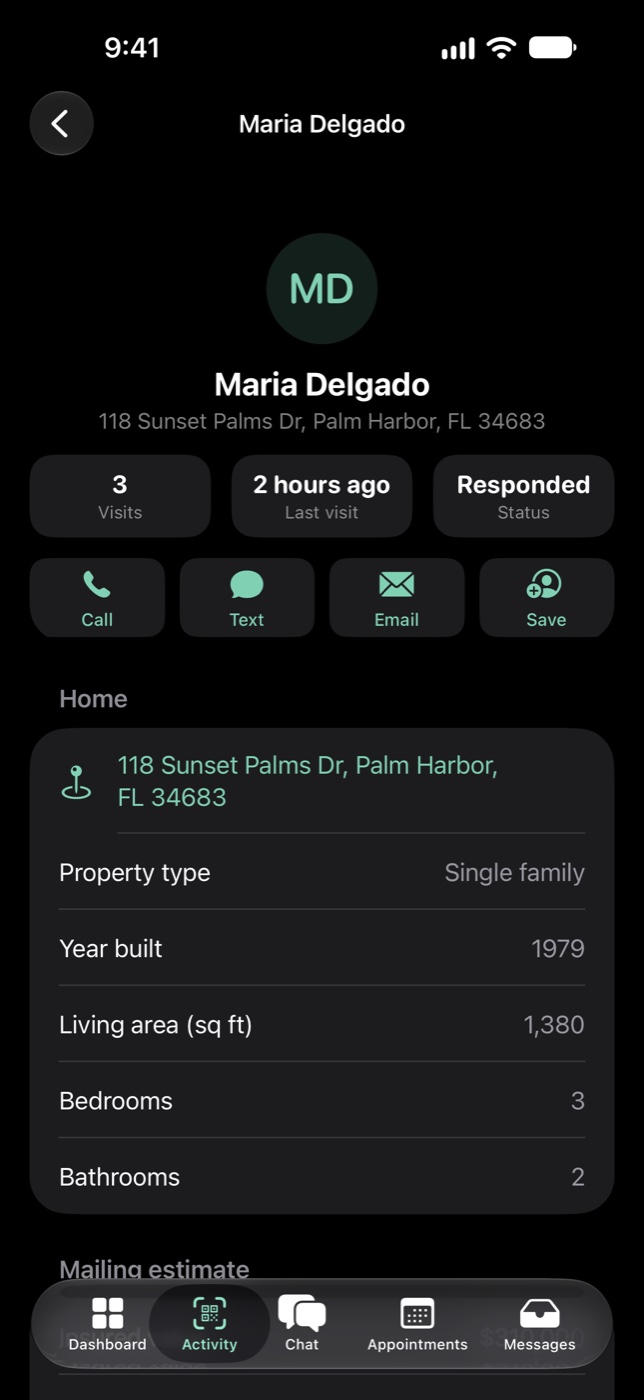
Open the person. Their page shows what they chose on their QR page and how they prefer to be contacted, with buttons to call, text or email them and to save them to your contacts.
Chats and appointments
Who answers a visitor first?
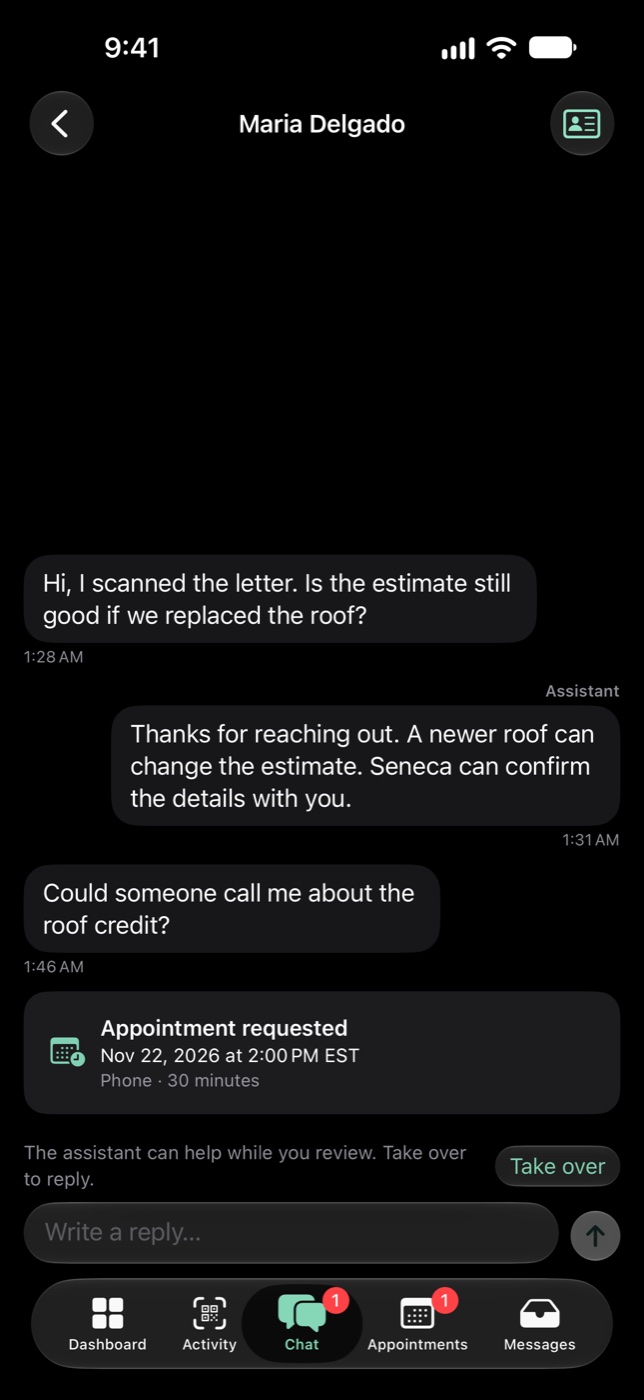
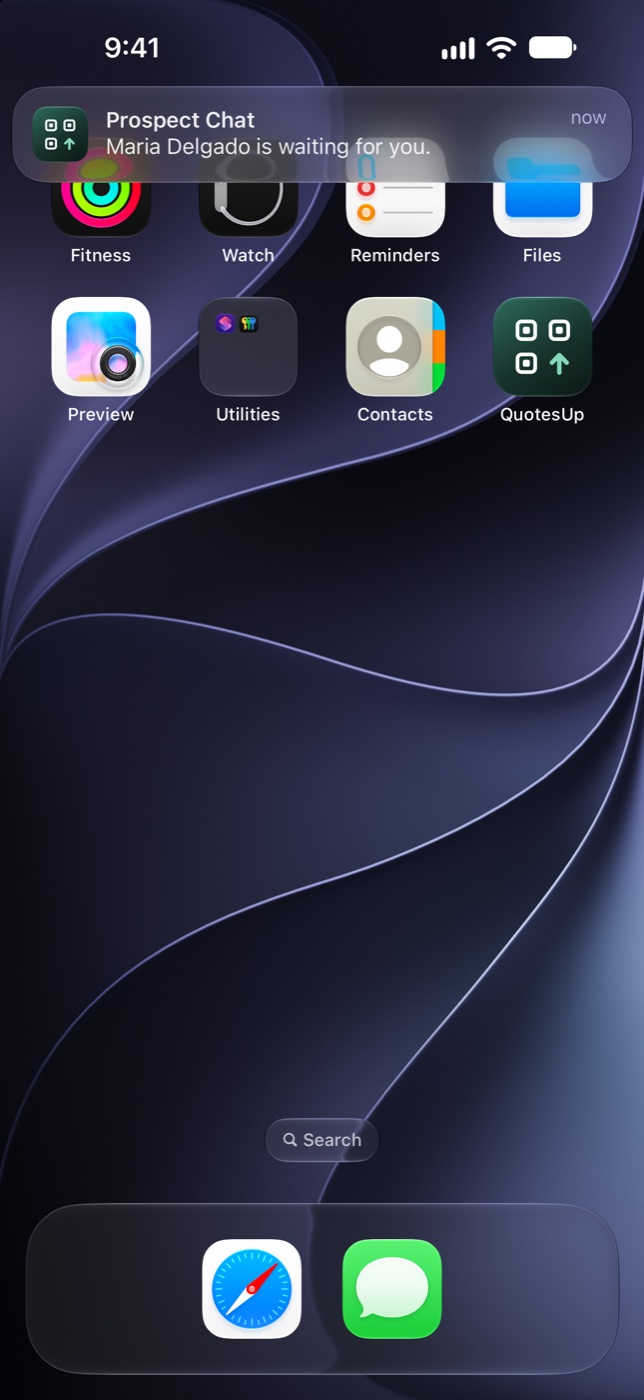
Visitors can start a conversation from their QR page. The assistant can answer the first questions for you, and you can take over at any time to reply yourself, even from the notification.
What do the chat summaries and translations do?
With Apple Intelligence, each chat gets a one-line summary and a suggested reply. Touch and hold a visitor’s message to translate it. It all happens on your device.
How do appointment requests work?
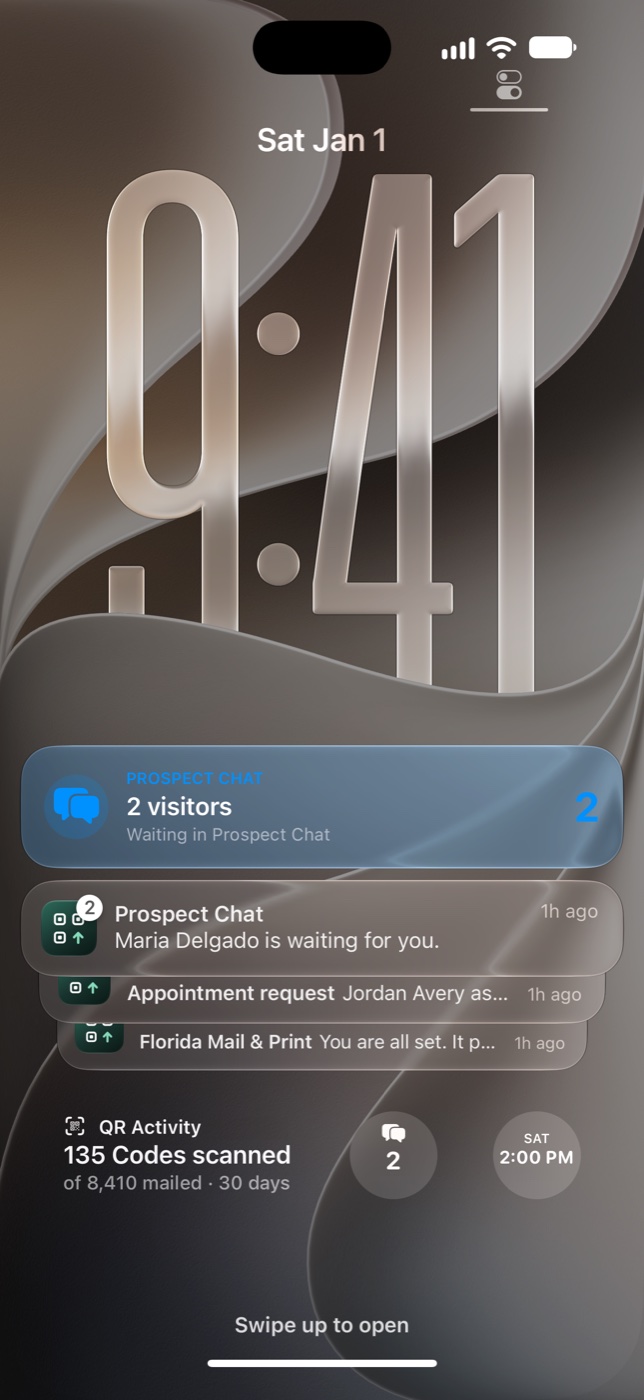
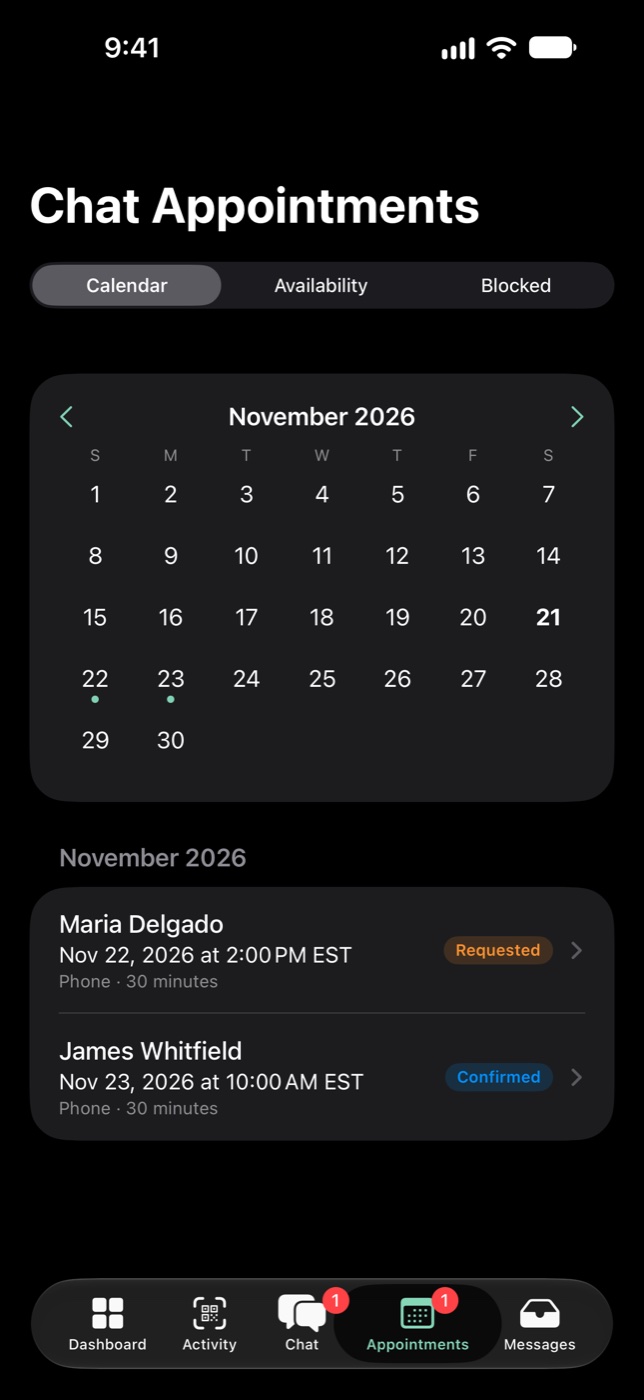
Set your hours once. Visitors ask for a time that suits you, and you confirm or change it in a tap. Confirmed appointments can go straight onto your calendar, and the next one counts down on your Lock Screen.
Mailings and messages
Where do I see my mailings?
Mailings lists every mailing from Florida Mail & Print’s own records, where it stands, and the scans it brought in.
How do I message Florida Mail & Print?
Open Messages, or its widget, and write to us. The paperclip adds a photo or a file. You get a notification, and an email, when we reply. Our team answers during business hours.
Can the people in my office message each other?
Yes. Open Messages and choose a conversation under Team, or New Message to start one. The main account holder gives each person Team Messages on the People page. Team messages stay within your account.
How do I add someone from my office?
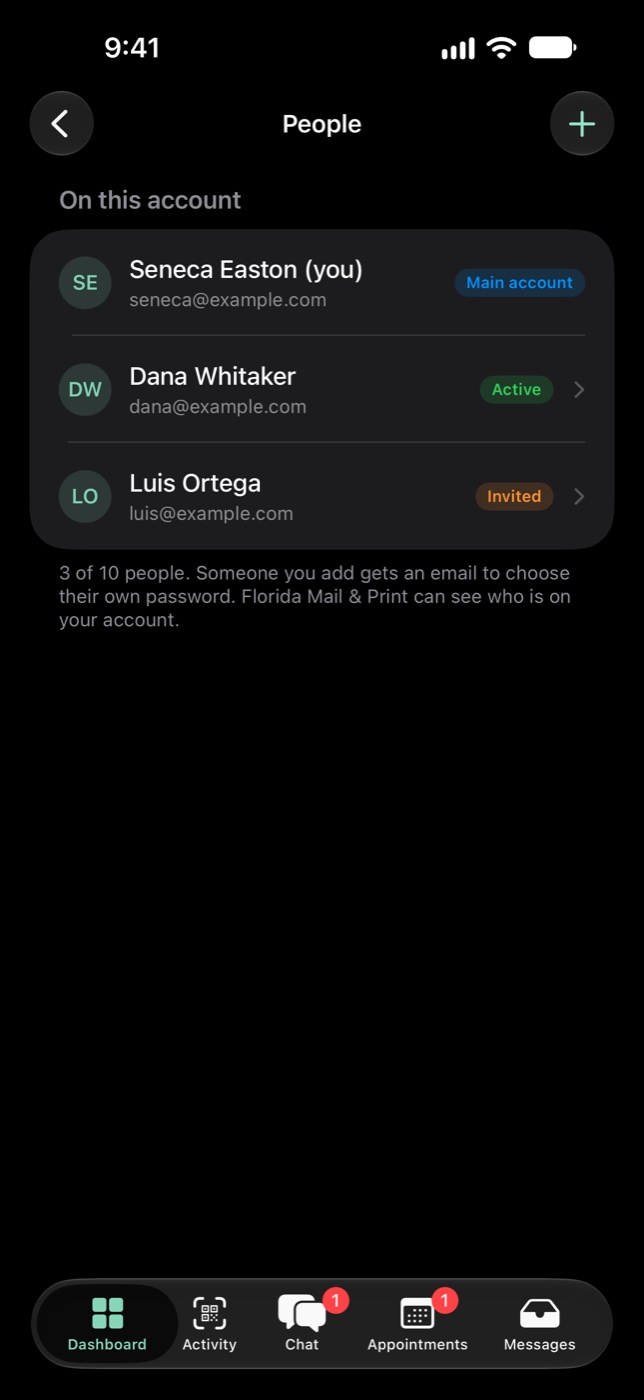
The main account holder opens People, taps +, and chooses what that person can see and do. Replies and changes show who made them.
Contact us
Still need a hand?
Message us in the app
Email supportOpen Messages and choose Florida Mail & Print. Add a screenshot with the paperclip if it helps.
support@floridamailandprint.com
Call (239) 482-0110Monday to Friday, 9am to 5pm.